Why active-track MIDI export matters
Keep chords, bass, arp, and melody editable by exporting a combined starter plus Standard MIDI files for active tracks instead of one locked audio result.
Split MIDI export matters because producers rarely finish an idea exactly as it was generated.
You may like the chords but want a new bass sound. You may keep the arp but rewrite the melody. You may mute everything except the harmonic frame. If the export is editable by lane, the generated starter becomes production material instead of a locked demo.
One file is useful; active tracks are flexible
A combined starter is good for quick import and reference. MIDI files for active tracks are better when you want control. Muting or soloing parts before export changes which individual files the app creates.
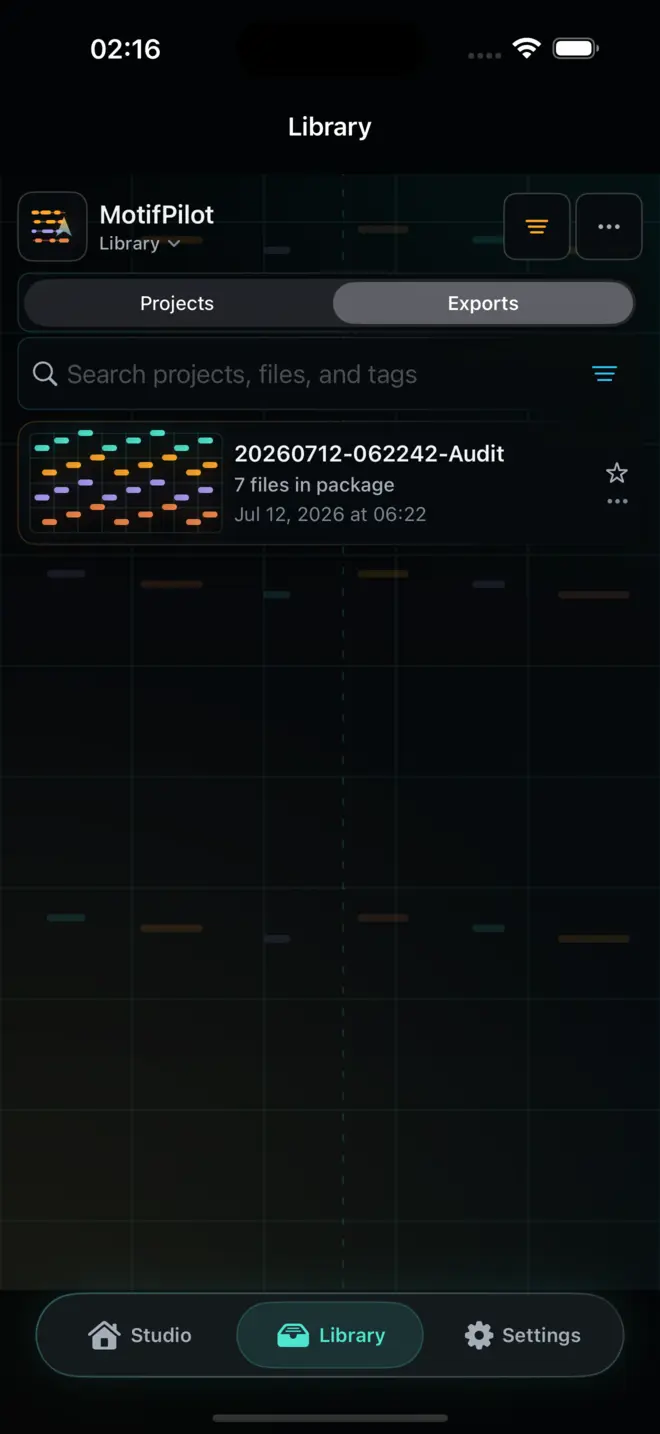
What an export package can include
MotifPilot's export workflow is designed around that difference. The app can provide:
- a combined starter MIDI file
- chord MIDI when chords are active
- bass MIDI when bass is active
- arp MIDI when the arp is active
- melody MIDI when melody is active
- a plain-text DAW import guide
- a ZIP package for handoff
That structure keeps the idea organized after it leaves the app.
MIDI keeps the session editable
Audio can sound more complete at first, but MIDI is easier to reshape. You can change the instrument, transpose a part, adjust timing, delete notes, copy a rhythm, or rebuild one lane without losing the rest of the idea.
That is why MotifPilot treats export as part of the product, not a final share button.
The handoff should match how producers work
Real sessions are messy. You can sketch and export on iPhone or iPad, then move the generated files toward a desktop workflow. MotifPilot does not sync the same project between devices. The iOS share sheet can offer Files, AirDrop, or another compatible destination available on the device.
Whether a particular DAW appears in the share sheet, and exactly how it imports the files, depends on that app, the device, and the destination. MotifPilot's job is to produce Standard MIDI files that remain editable after a compatible import.
What to do after import
After the MIDI is in your DAW:
- Put each lane on an instrument that fits the track.
- Listen to the chords and bass together first.
- Decide whether the arp supports the rhythm or competes with it.
- Keep, rewrite, or mute the melody.
- Arrange the strongest bars into a larger section.
The exported starter is not the final production. It is the first organized musical material you can actually work with.
How MotifPilot helps
The handoff preserves both the whole sketch and active lanes.
MotifPilot can package a combined starter, individual Standard MIDI files for active tracks, a plain-text guide, and a ZIP for sharing through iOS.